How to Buy Crypto and Instantly Subscribe to Simple Earn?
Published on 2025-09-12 03:47
Updated on 2025-12-31 03:00
Fiat
P2P
Disclaimer: In compliance with MiCA requirements, unauthorized stablecoins are subject to certain restrictions for EEA users. For more information, please click here.
This is a general FAQ. Products and services referred to here may not be available in your region.
You can now subscribe to Simple Earn directly from the crypto purchase confirmation page with a single click. This seamlessly integrates your purchase with immediate opportunities to earn rewards or receive new token airdrops.
Please note: This feature is available on both the Binance app and website, for all crypto purchase payment methods. For the app, please ensure your Binance mobile app is updated to the latest version, or at least version 3.3.0 or above.
How to access this feature on the Binance App?
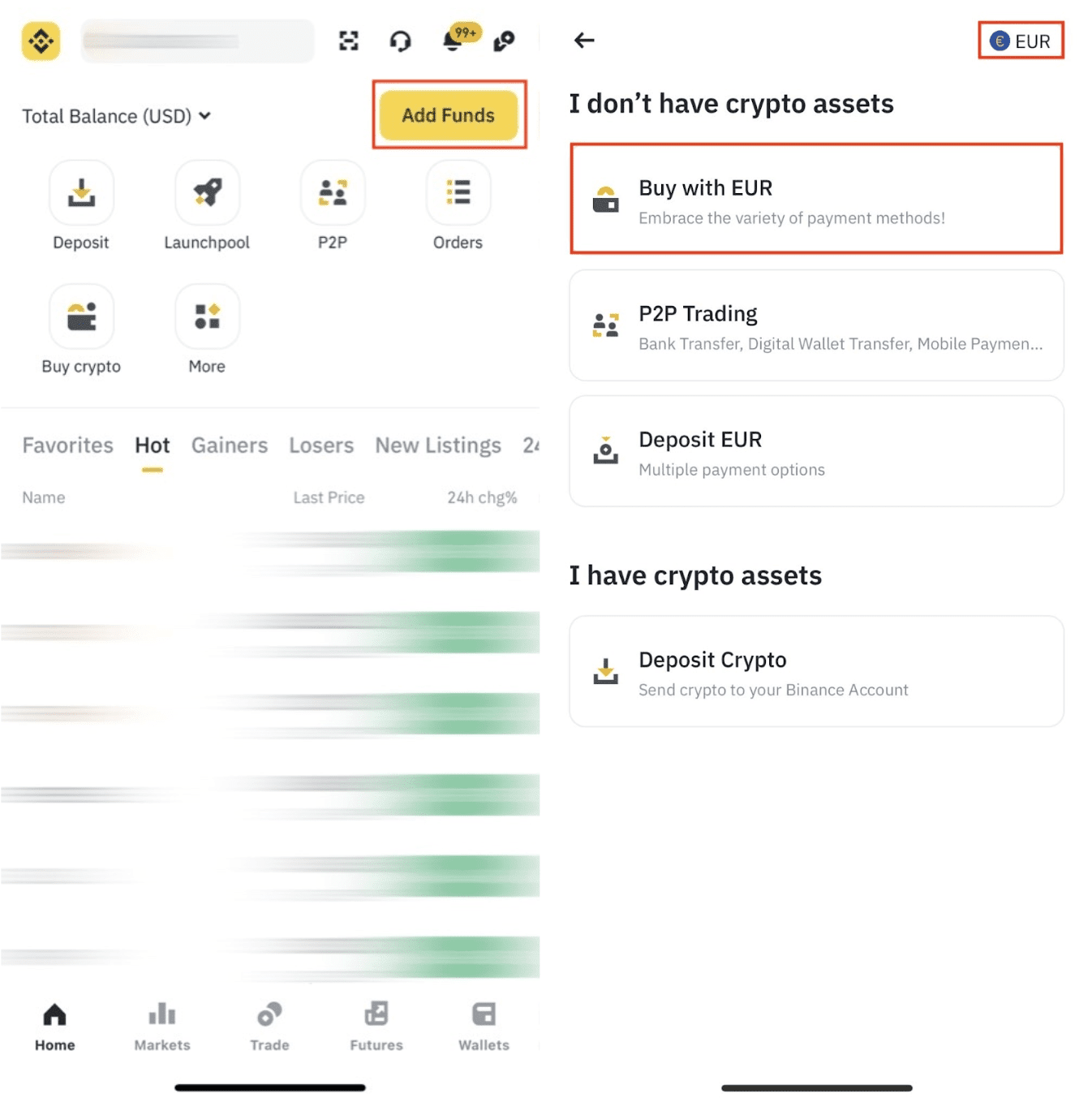
1. Tap [Add Funds] - [Buy with]. Here, we use EUR as an example. You can change the fiat currency using the menu at the top right.
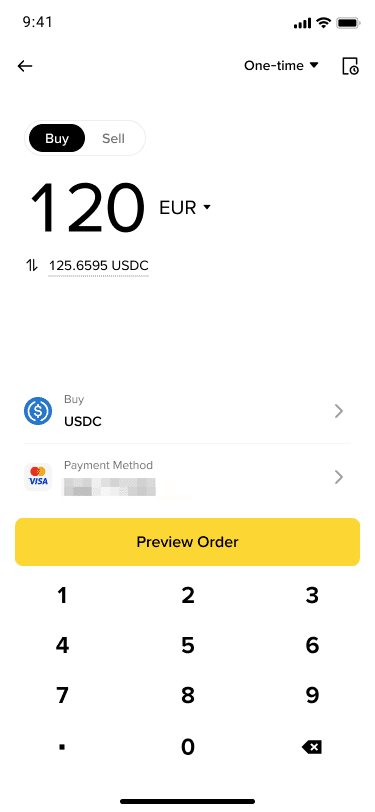
2. Enter the amount you want to spend, and the system will automatically display the amount of crypto you will receive.
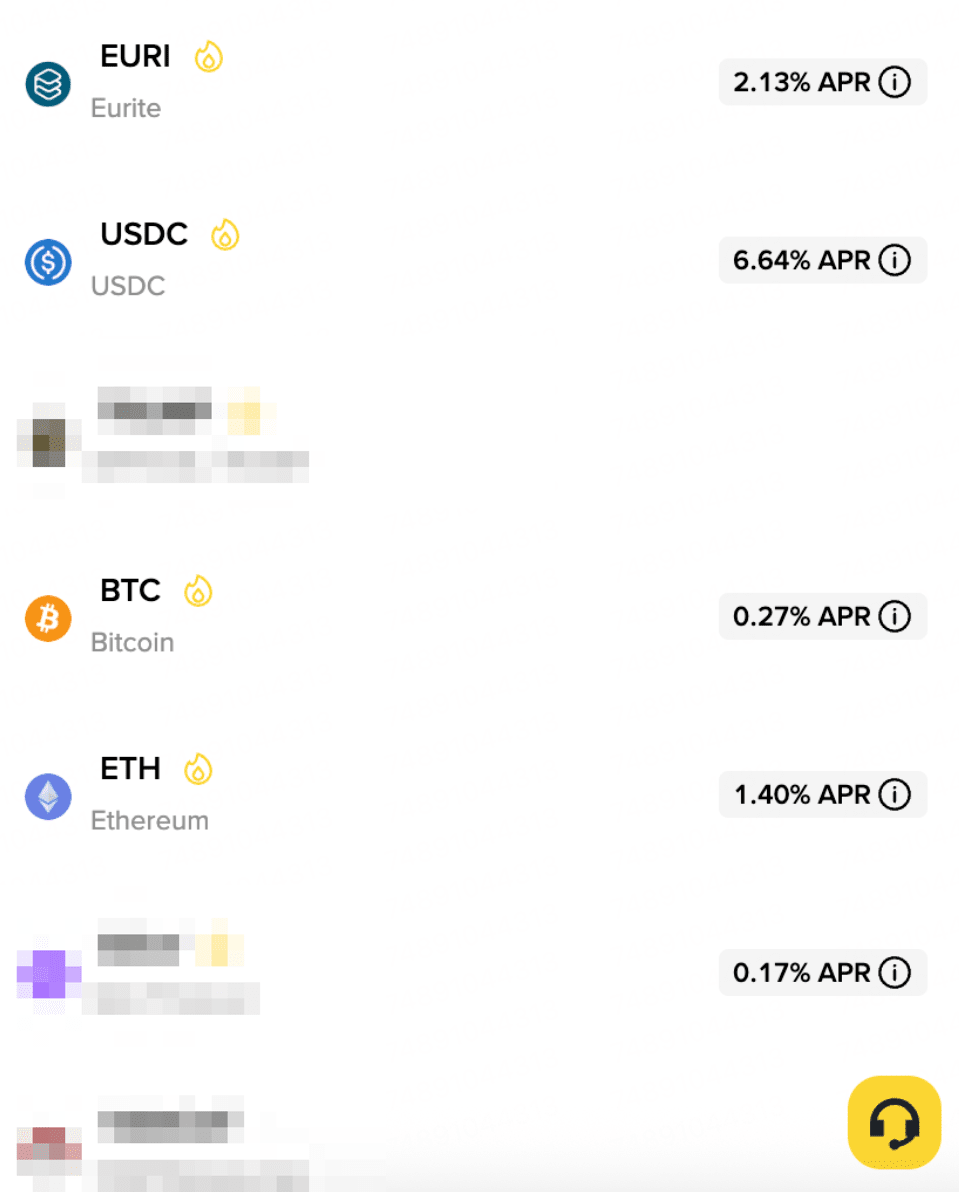
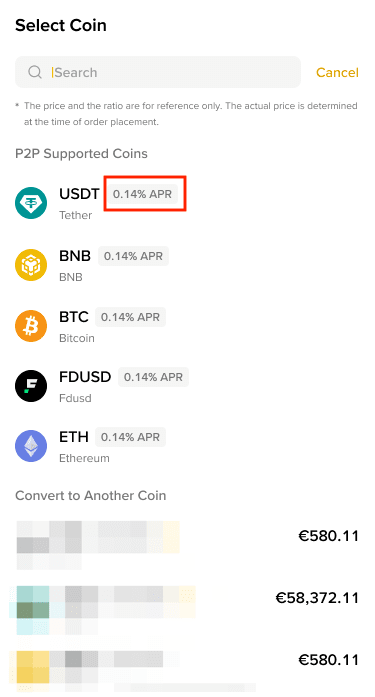
When you open the token selection list, you will see the respective Simple Earn APR for each token. Once you have chosen the token, tap [Preview Order].
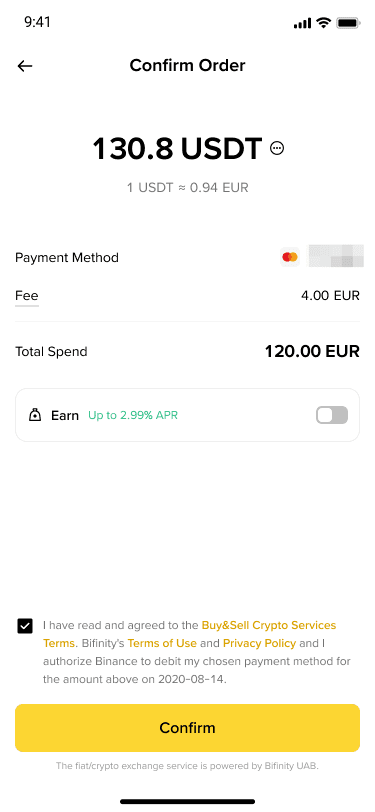
3. You can enable the option to automatically subscribe your purchase amount to Simple Earn and start earning APR rewards immediately.
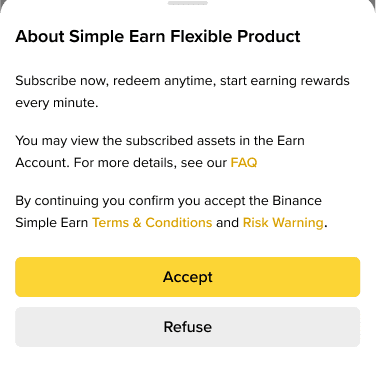
If this is your first time selecting this option, you'll be asked to accept the related terms and conditions.
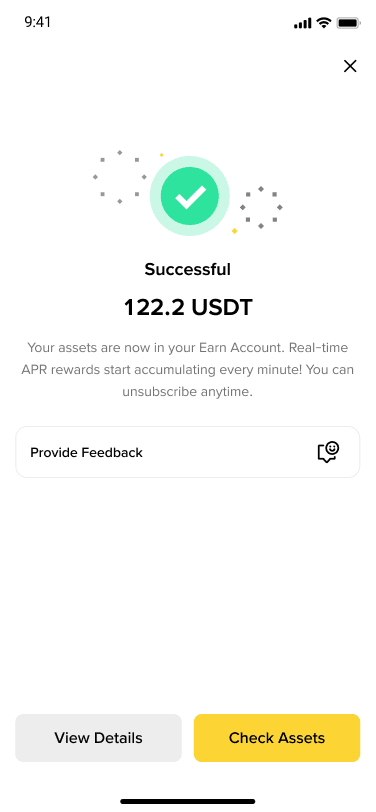
4. After confirming your order and completing the payment, you can view your assets in your Earn Account. Please note that you may unsubscribe at any time.
To learn more about how to Buy Crypto on Binance, please visit the Buy Crypto FAQ page.
Disclaimer: In compliance with MiCA requirements, unauthorized stablecoins are subject to certain restrictions for EEA users. For more information, please click here.
This is a general FAQ. Products and services referred to here may not be available in your region.
You can now subscribe to Simple Earn and join HODLer Airdrops directly from the P2P crypto purchase confirmation page with a single click. This seamlessly integrates your purchase with immediate opportunities to earn rewards or receive new token airdrops.
Please note: This feature is available on both the Binance App and website, for all crypto purchase payment methods in P2P. For App, please ensure your Binance App is updated to the latest version (ver. 3.8.1 or above for iOS, ver. 3.8.4 or above for Android).
How to access this feature on the Binance App?
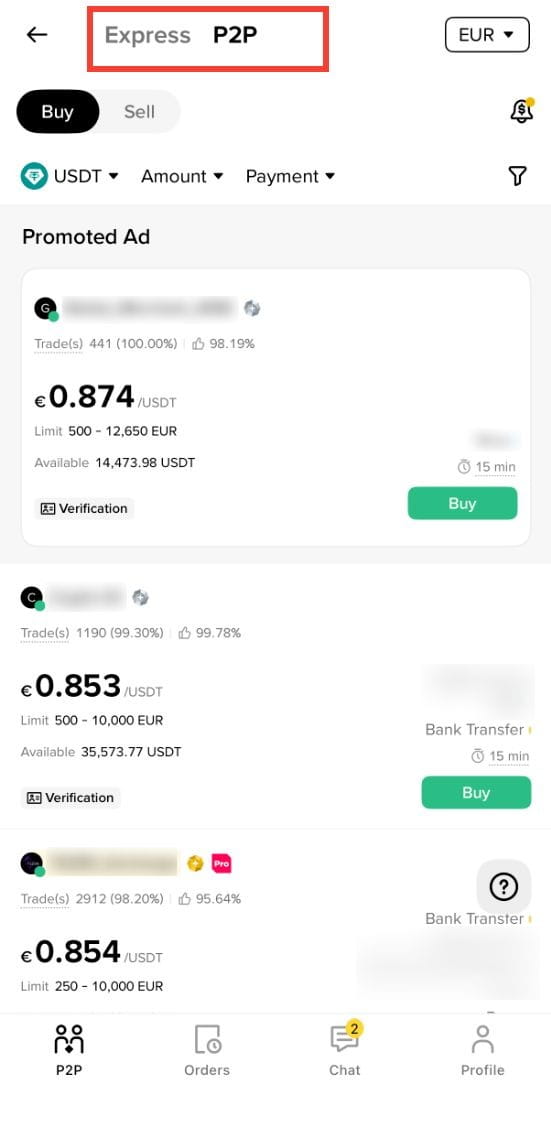
1. Tap [Add Funds] - [P2P Trading]. You can use the [Express] or [P2P] zone to trade with other users. Switch zones by tapping the zone name at the top of the page.
2. Choose the fiat currency you want to pay with and select the token you want to purchase. When you open the token selection list, you’ll see the respective Simple Earn APR for each token.
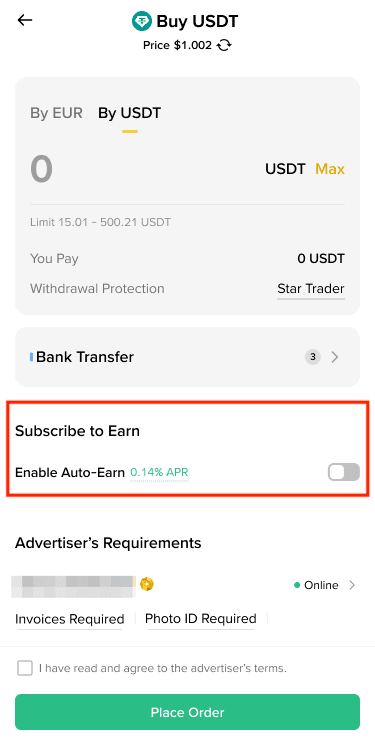
3. Choose a seller and tap [Buy]. Enter the amount you want to purchase. Please read the seller’s terms and conditions carefully before placing the order.
You can enable the option to automatically subscribe your purchase amount to Simple Earn and start earning APR rewards immediately under [Subscribe to Earn].
4. If this is your first time selecting this option, you will be asked to accept the related terms and conditions.
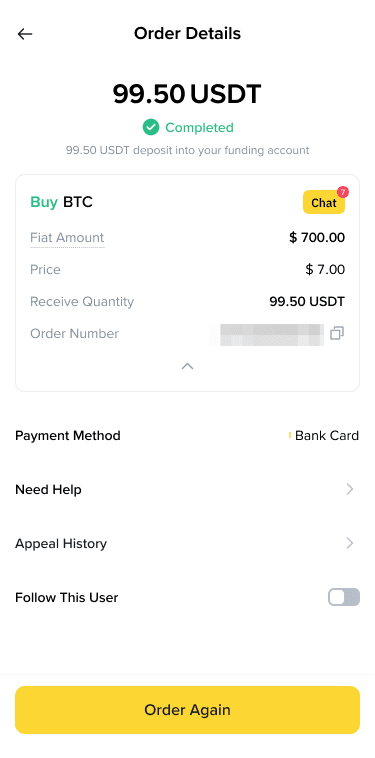
5. After confirming your order and completing the payment, you can view your assets in your Earn Account page. Please note that you may unsubscribe at any time.
To learn more about how to buy crypto on Binance P2P, please visit the relevant FAQ pages (website / App).